
Events
-
-
-
-
-
-
IN-PERSON: Nature 3 Results
Westmount Park United Church 4695 de Maisonneuve West, Westmount, Quebec, Canada -
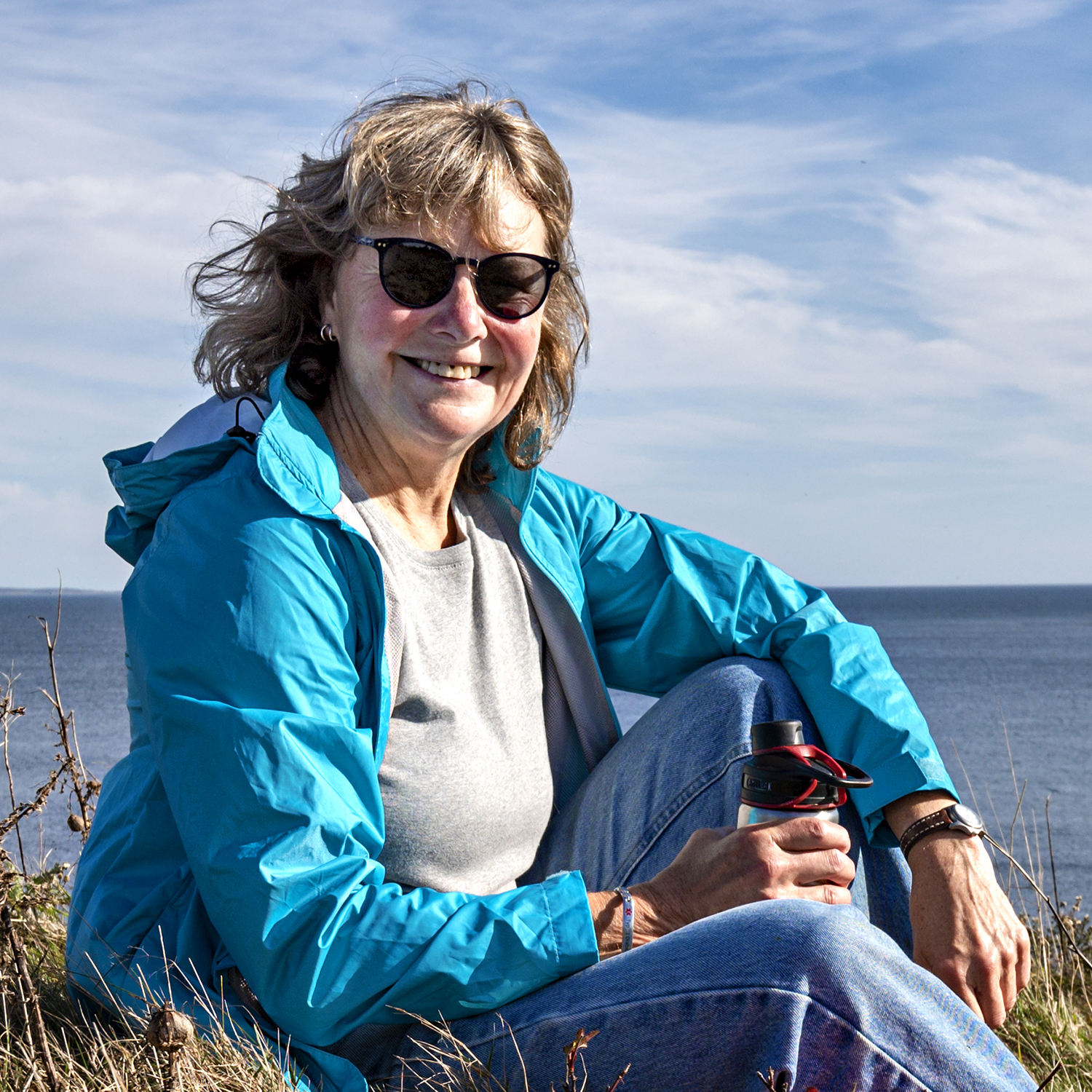
ONLINE: Speaker – Kas Stone “Making Meaningful Photos”
Making Meaningful Photographs Kas Stone, Nova-Scotia-based photographic artist, will explore ways to create meaning in your photographs using thoughtful subject selection, visual design, metaphor, and other techniques. The aim is to make images that are more than just “pretty pictures” and instead have the power to make viewers feel and think, laugh and cry, and connect more deeply with your work.
-
-
-
-
-
-
-
-
-
-
IN-PERSON: Pictorial 4 Results
Westmount Park United Church 4695 de Maisonneuve West, Westmount, Quebec, Canada -
IN-PERSON: Nature 4 Results (First Half), Create a Poster and Interpretive Theme (Second Half)
Westmount Park United Church 4695 de Maisonneuve West, Westmount, Quebec, Canada -
Gemboree Images Due (7 Themes)
THEMES: G1 – Storefront G2 – Two People G3 – Architectural Detail G4 – Frame in Frame G5 – Repetition G6 – Monochrome Boat G7 – Outdoor Event
-
-
-
-
IN-PERSON: Gemboree Results
Westmount Park United Church 4695 de Maisonneuve West, Westmount, Quebec, CanadaThemes: G1 – Storefront G2 – Two People G3 – Architectural Detail G4 – Frame in Frame G5 – Repetition G6 – Monochrome Boat G7 – Outdoor Event
-
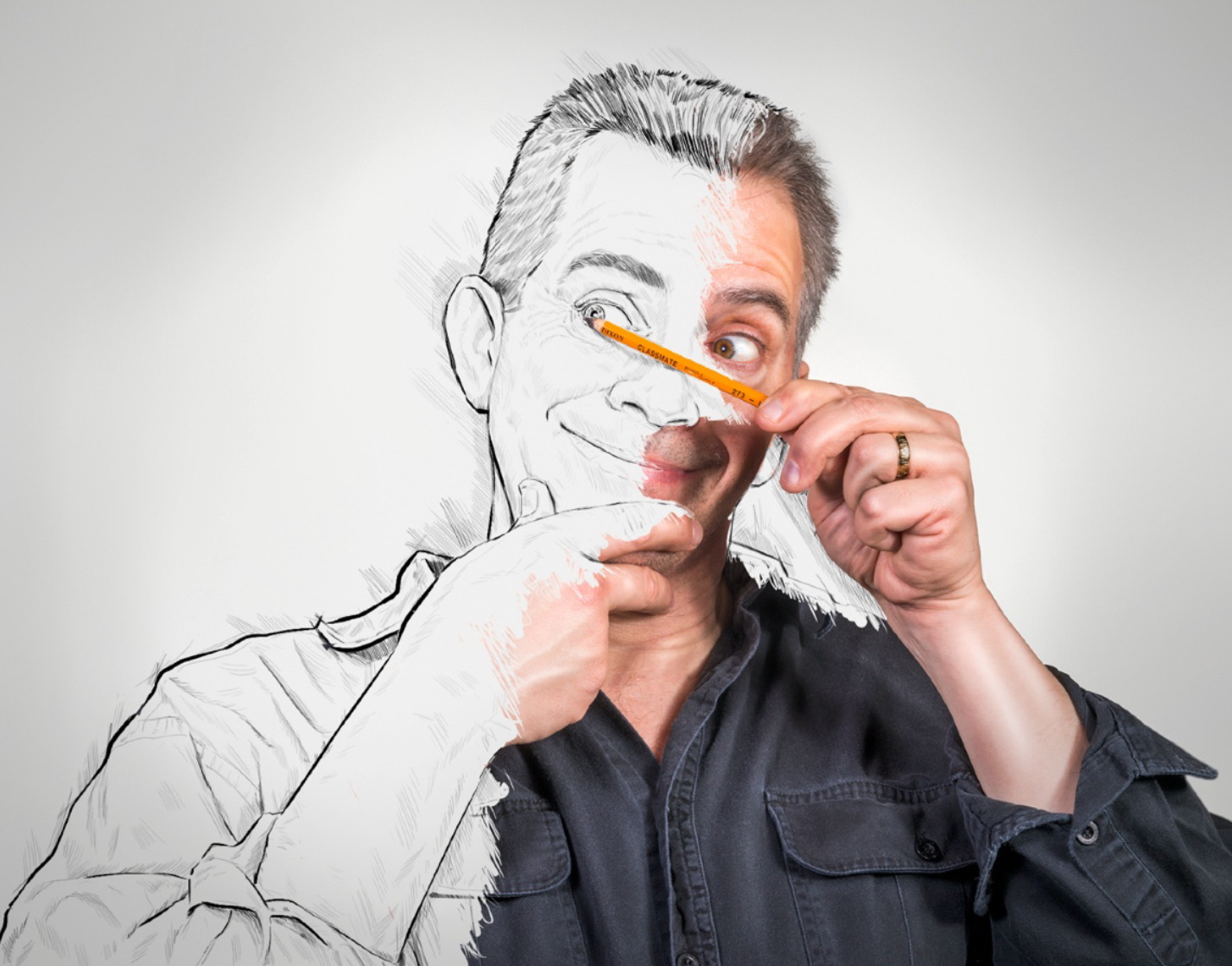
ONLINE: Speaker – Todd Murrison “Creating Composite Images Using Photoshop”
In this presentation, Todd will cover the basics of Photoshop composition and provide more advanced techniques for those eager to hone their skills in this creative genre of photography! He will go over the definition of Composite Photography, showcase examples of his own work and of other International artists which will cover the spectrum from simple to more detailed composites. Additionally, he’ll discuss some simple techniques that all composites must share to ensure they have a basis in reality. Todd will also speak about ideation and where to get inspired for your concepts! Finally, there will be a 20-minute Photoshop video on how to add a layer from one image and place it into another scene ensuring it matches the environment perfectly. There will be time at the end for questions and answers.